A little notice before the next charge.
Keep renewal dates and trial endings together, with reminders to help you review a service before the next billing cycle.
Keep subscriptions, trial endings and recurring bills in view. See what is coming, what it adds up to and what still earns its place.
iOS & iPadOS 17+
Manage renewals, reminders and recurring costs. DueOrbit does not cancel a service for you.
Core tracking works without cloud sync. Optional Apple sync uses iCloud.
Android 10+
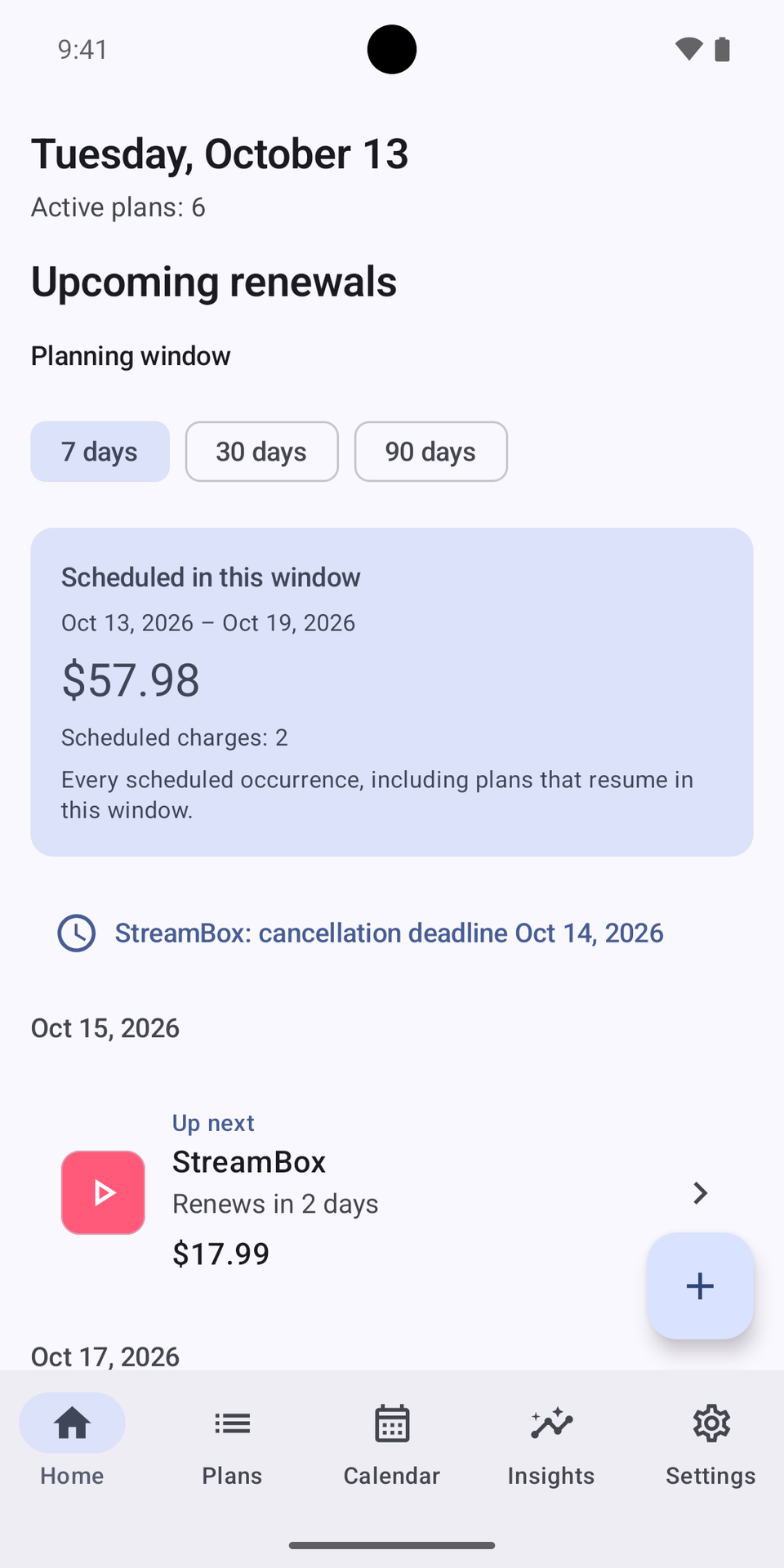
Manage renewals, reminders and recurring costs. DueOrbit does not connect to your bank or inbox.
Core tracking works without cloud sync. Optional Android sync uses private Google Drive app storage.
watchOS 10+
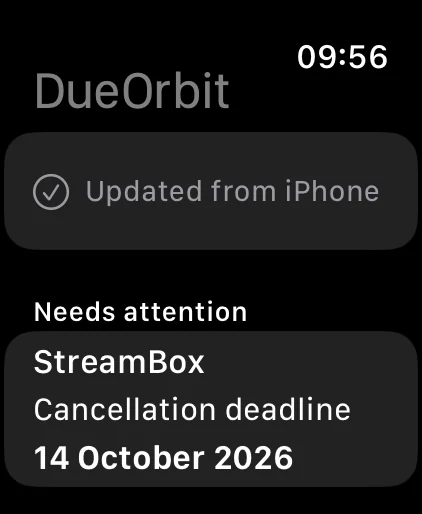
See upcoming renewals and spending from your phone. A disconnected watch may show the last received snapshot.
Requires the matching iPhone app for setup and subscription management. Install through the iPhone Watch app.
API 30+
See upcoming renewals and spending from your phone. A disconnected watch may show the last received snapshot.
Requires the matching Android app for setup and subscription management. Install from Google Play on your watch.
macOS 14+ · Intel & Apple silicon
Manage subscriptions on your Mac without a companion phone.
Core tracking works without cloud sync. Store purchases do not transfer between Apple and Google Play.
visionOS 1+
Manage subscriptions on Apple Vision Pro without a companion phone.
Core tracking works without cloud sync. Store purchases do not transfer between Apple and Google Play.
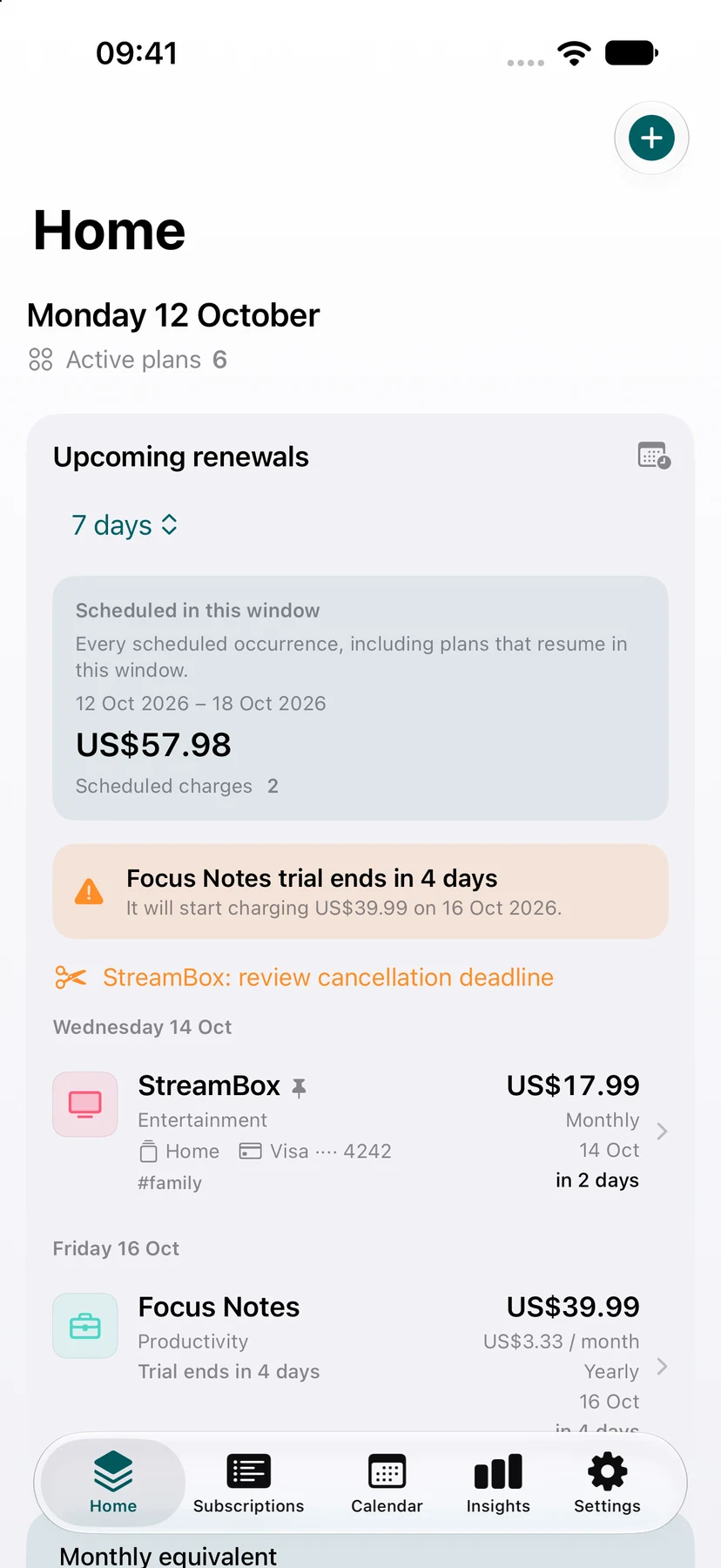
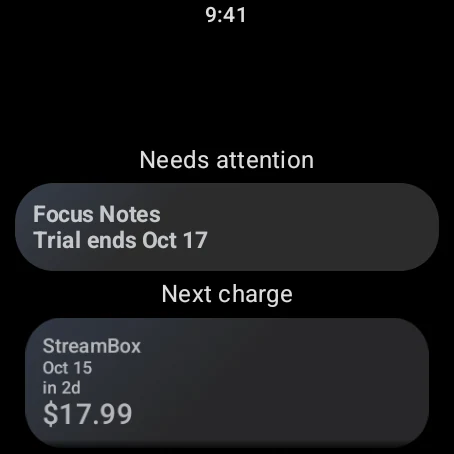
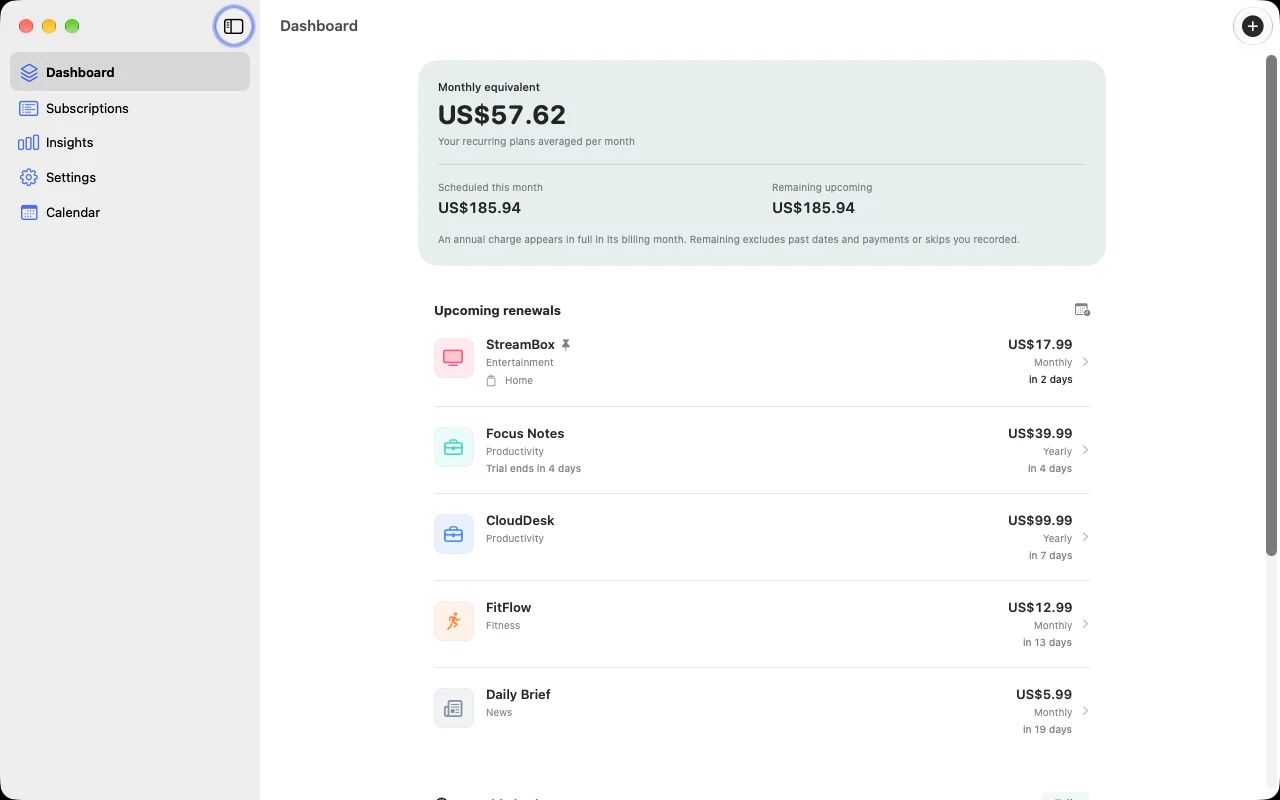
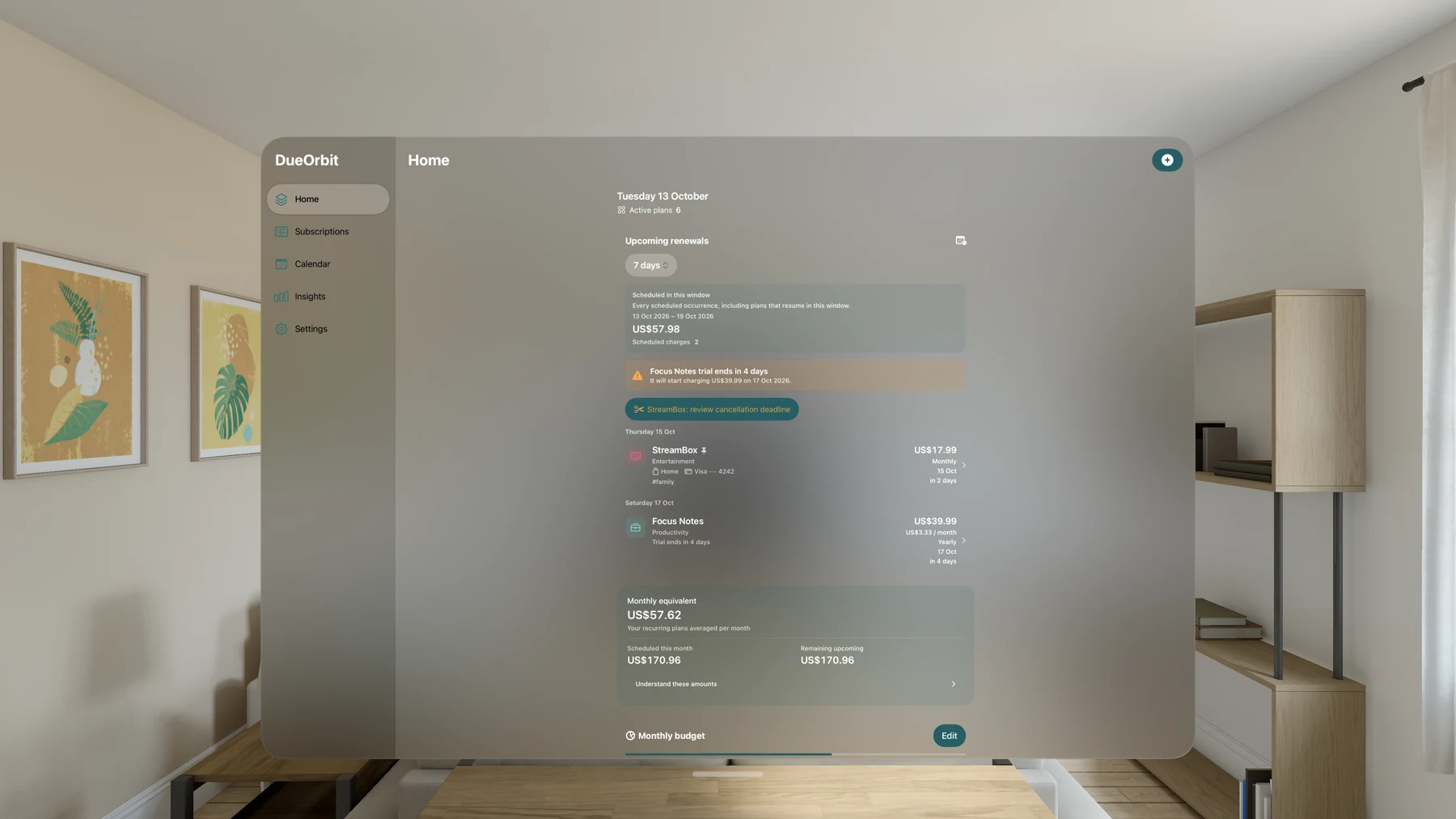
Keep renewal dates and trial endings together, with reminders to help you review a service before the next billing cycle.
Compare recurring costs, review categories and spending forecasts, and set a monthly budget. Currency conversion helps put different plans in perspective.
Choose a service from the catalog or enter your own. Add categories, tags and notes to keep software, streaming plans and other recurring expenses organized.
Core tracking works offline. Export CSV for a spreadsheet or save a JSON backup to keep a portable copy of your subscription records.
Bring upcoming renewals into widgets, your calendar and companion watches. Optional cloud features help carry records between supported devices.
Manage subscriptions on Mac and Apple Vision Pro. The Mac app provides a resizable desktop window and sidebar. The visionOS app keeps subscription records in a native window you can place in your space.
Preview images can differ from the version in your store.
Upcoming DueOrbit update preview: Android Home with upcoming renewals and scheduled charges from fictional subscriptions.
Android · Preview image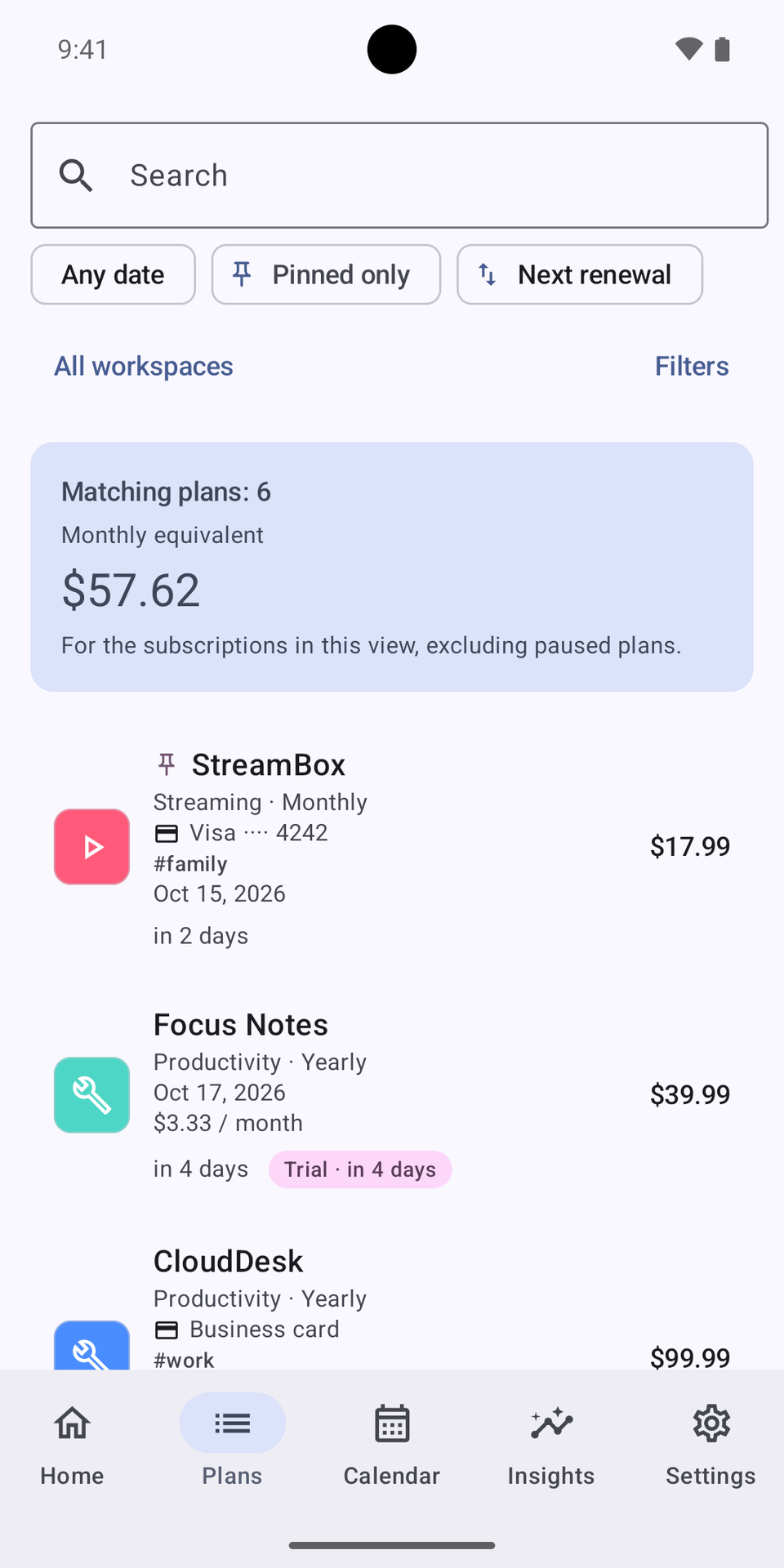
Upcoming DueOrbit update preview: searchable Android subscription list, filters and monthly equivalent using fictional records.
Android · Preview image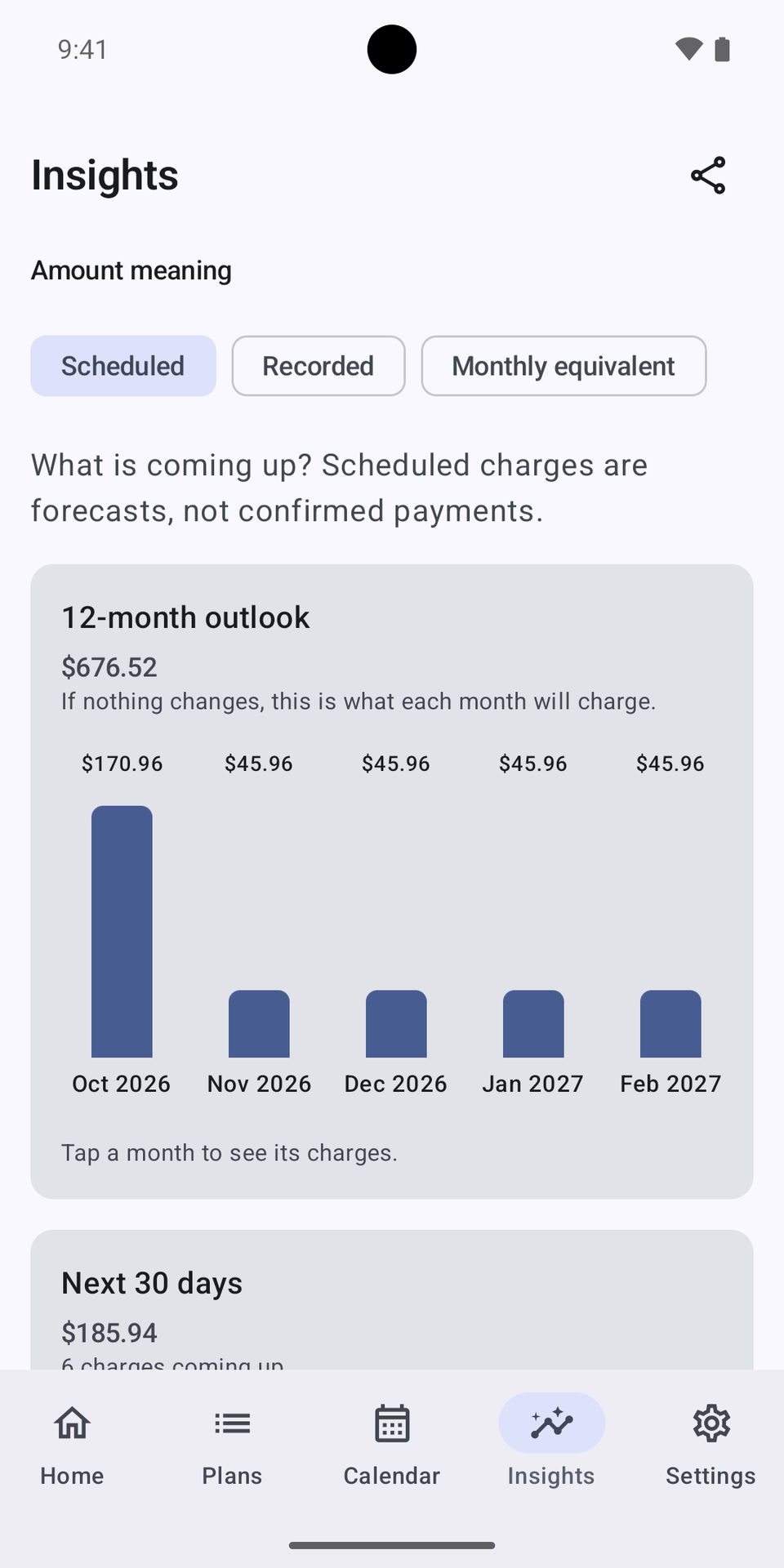
Upcoming DueOrbit update preview: Android scheduled-charge insights and 12-month outlook using fictional subscription data.
Android · Preview imageHave another question?
Get in touch.
Download DueOrbit from the App Store for iPhone, iPad, Mac and Apple Vision Pro, or from Google Play for Android phones and tablets. Apple Watch (watchOS 10 or later) and Wear OS companions work with the matching phone app. Check the store for availability on your device and in your country.
Download for iPhone & iPad · Download for Mac · Download for Apple Vision Pro · Get it on Google Play
No. DueOrbit helps you review recurring costs and links to supported providers' cancellation instructions. Cancel the actual service with its provider. Marking a record canceled only changes your tracking records.
No. You enter your subscription details or import selected records. The receipt-text tool processes text you paste on your device; it does not scan your inbox.
No separate DueOrbit account is required. Apple devices can use your existing iCloud account. On Android, optional Google sign-in enables subscription-record sync through a private app folder in Google Drive. Core tracking works without cloud sync.
Export a JSON backup on one platform and import it on the other. This transfers subscription records, rather than providing automatic cross-platform sync. Store purchases do not transfer between Apple and Google Play.
Apple Watch and Wear OS companions show upcoming renewals and spending from your phone. They need the matching phone app for setup and subscription management, and may show the last received snapshot while disconnected. Install the Apple Watch app through the Watch app on your iPhone. Install the Wear OS app from Google Play on your watch using the same listing as the Android app.
DueOrbit is available for iPad, Android tablets, Mac and Apple Vision Pro. The native Mac edition requires macOS 14 or later on Intel or Apple silicon; the Vision Pro edition requires visionOS 1 or later. These larger layouts support subscription management without a companion phone. Apple Watch and Wear OS remain phone companions.
Other apps you might enjoy.

Your next episode. The films you have been meaning to see. Keep your watchlist, viewing history and upcoming releases together in one personal library.
iPhone & iPad, Mac, Apple Vision Pro, Android phones & tablets, Apple Watch, Wear OS, Apple TV
A personal travel map and journal. Mark the places you have been, save the details, and watch your world fill with color.
iPhone & iPad, Apple Vision Pro, Android phones & tablets, Mac
Turn authorized session recordings into a draft on your Mac. Review the details, then approve the note in your own words.
macOS, iPhone & iPad, Android phones & tablets